> ## Documentation Index
> Fetch the complete documentation index at: https://docs.sourcemedium.com/docs/llms.txt
> Use this file to discover all available pages before exploring further.

# Connect a data source with an API key

> Add a data source like Richpanel by choosing it and entering its API key.

<Note>
  You need the **Editor** role (or Admin) in your workspace for this. See
  [Roles & permissions](/docs/product-tours/roles-and-permissions).
</Note>

Watch the short narrated walkthrough, or follow the written steps and
screenshots below.

<Frame>
  <video controls preload="metadata" className="block dark:hidden w-full aspect-video" src="https://mintcdn.com/sourcemedium/K5lUpLPqOZ8d4vZu/images/product-tours/connect-with-api-key/demo.mp4?fit=max&auto=format&n=K5lUpLPqOZ8d4vZu&q=85&s=615ffaf65567d16e73ed6b4363aeb78d" poster="/images/product-tours/connect-with-api-key/01-open-the-data-source-list.png" data-path="images/product-tours/connect-with-api-key/demo.mp4" />

  <video controls preload="metadata" className="hidden dark:block w-full aspect-video" src="https://mintcdn.com/sourcemedium/K5lUpLPqOZ8d4vZu/images/product-tours/connect-with-api-key/demo-dark.mp4?fit=max&auto=format&n=K5lUpLPqOZ8d4vZu&q=85&s=cb64ee1d5208bf8cd3a0c3c9318af510" poster="/images/product-tours/connect-with-api-key/01-open-the-data-source-list-dark.png" data-path="images/product-tours/connect-with-api-key/demo-dark.mp4" />
</Frame>

<Steps>
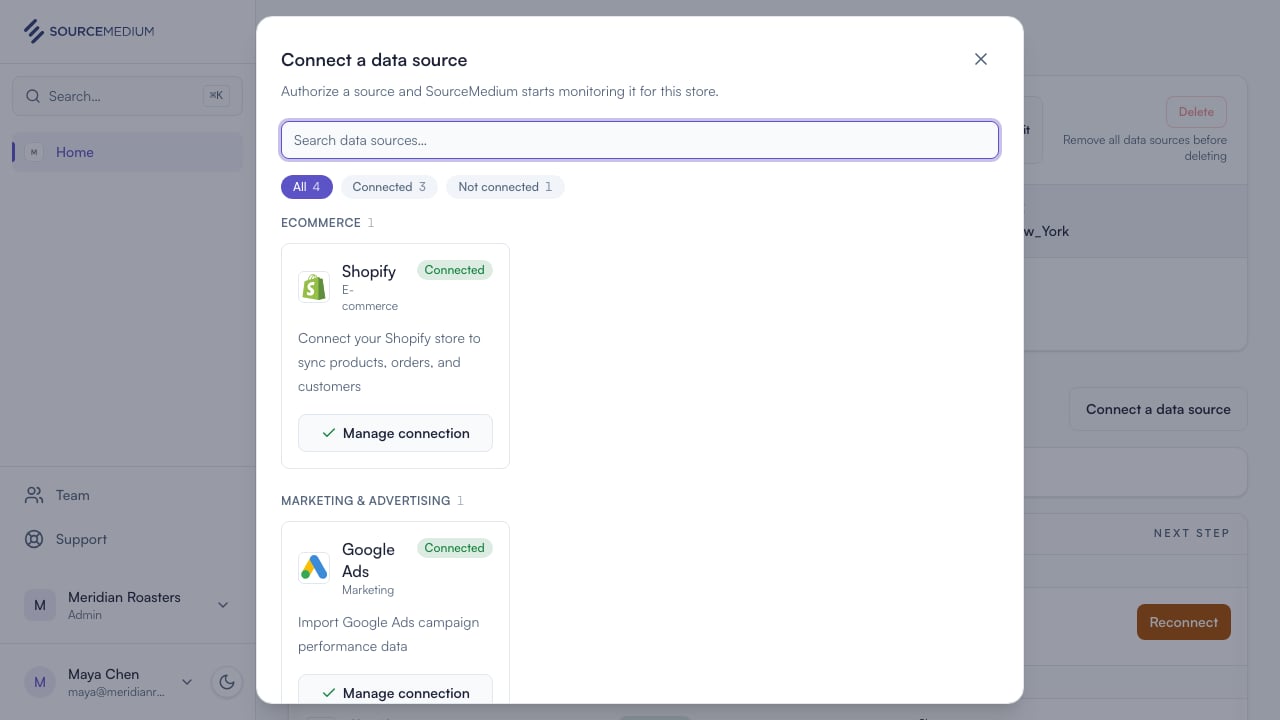
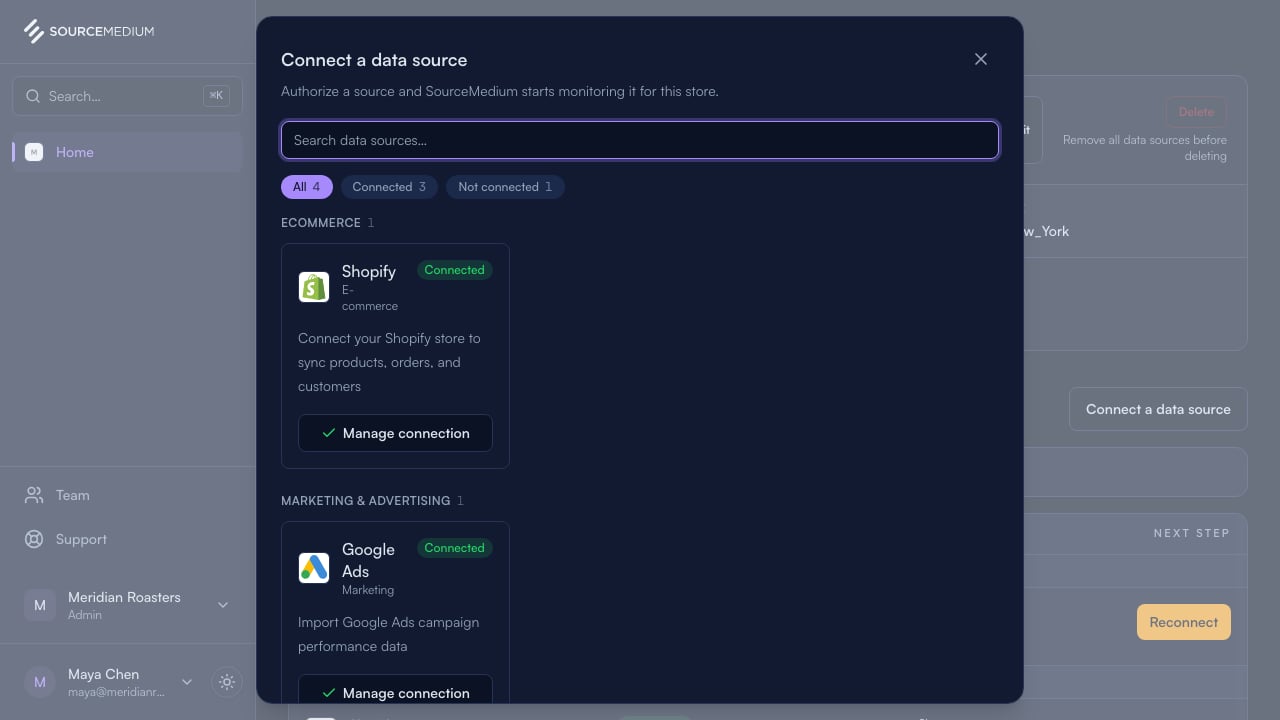
  <Step title="Open the data source list">
    From your store page, Connect a data source lists every source available to connect. Sources that use keys carry an API key tag.
    <img className="block dark:hidden" src="https://mintcdn.com/sourcemedium/K5lUpLPqOZ8d4vZu/images/product-tours/connect-with-api-key/01-open-the-data-source-list.png?fit=max&auto=format&n=K5lUpLPqOZ8d4vZu&q=85&s=d6b126b5316d8457ce82a65c05086313" alt="Open the data source list" width="1280" height="720" data-path="images/product-tours/connect-with-api-key/01-open-the-data-source-list.png" />

    <img className="hidden dark:block" src="https://mintcdn.com/sourcemedium/K5lUpLPqOZ8d4vZu/images/product-tours/connect-with-api-key/01-open-the-data-source-list-dark.png?fit=max&auto=format&n=K5lUpLPqOZ8d4vZu&q=85&s=a413c26c5d4c653a75fef6b9b6694542" alt="Open the data source list" width="1280" height="720" data-path="images/product-tours/connect-with-api-key/01-open-the-data-source-list-dark.png" />
  </Step>

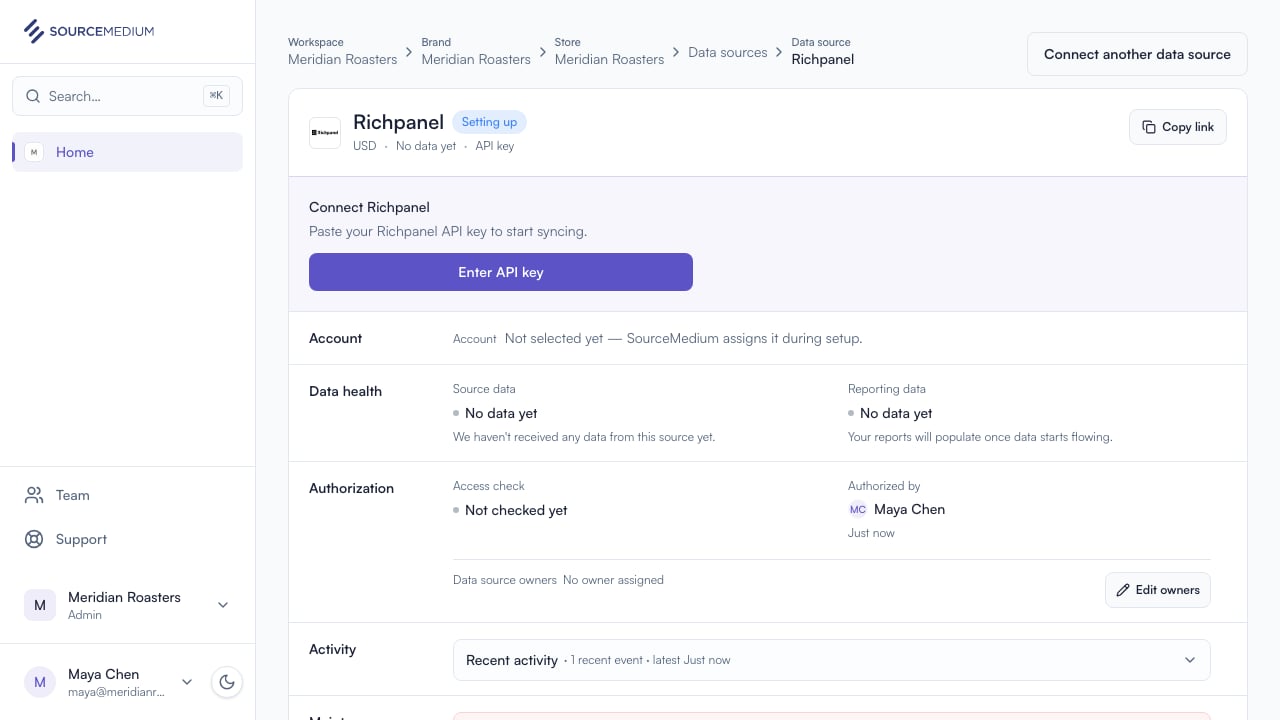
  <Step title="Choose Richpanel">
    Connect adds Richpanel to your store and opens its data source page.
    <img className="block dark:hidden" src="https://mintcdn.com/sourcemedium/K5lUpLPqOZ8d4vZu/images/product-tours/connect-with-api-key/02-choose-richpanel.png?fit=max&auto=format&n=K5lUpLPqOZ8d4vZu&q=85&s=4215fba21660044873217707b0c40842" alt="Choose Richpanel" width="1280" height="720" data-path="images/product-tours/connect-with-api-key/02-choose-richpanel.png" />

    <img className="hidden dark:block" src="https://mintcdn.com/sourcemedium/K5lUpLPqOZ8d4vZu/images/product-tours/connect-with-api-key/02-choose-richpanel-dark.png?fit=max&auto=format&n=K5lUpLPqOZ8d4vZu&q=85&s=ea6f4ca935b6981cb86fc04126fbc9b9" alt="Choose Richpanel" width="1280" height="720" data-path="images/product-tours/connect-with-api-key/02-choose-richpanel-dark.png" />
  </Step>

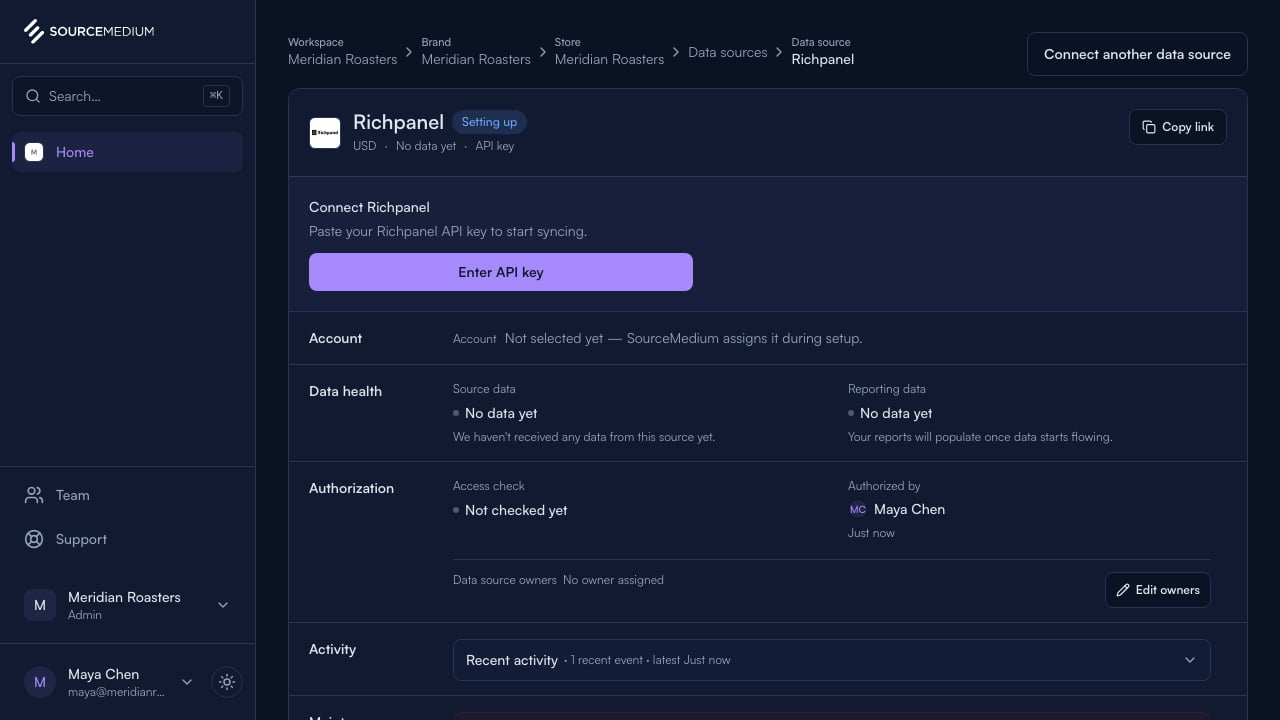
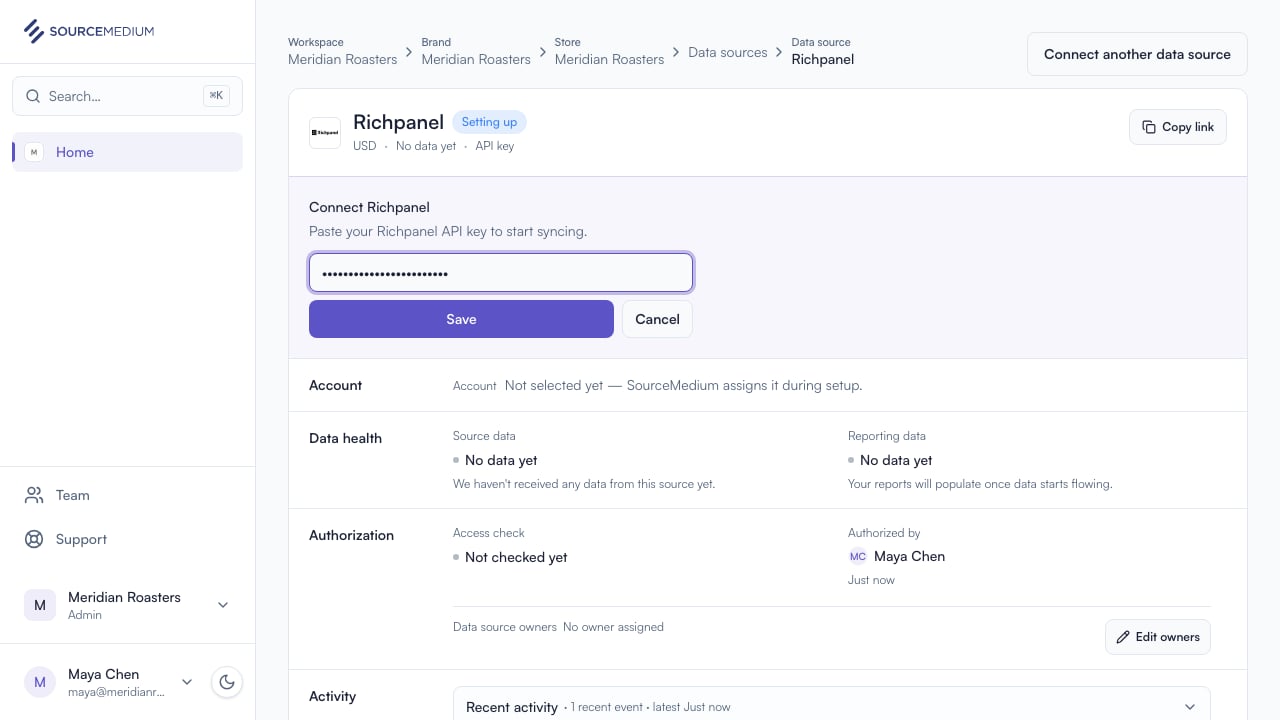
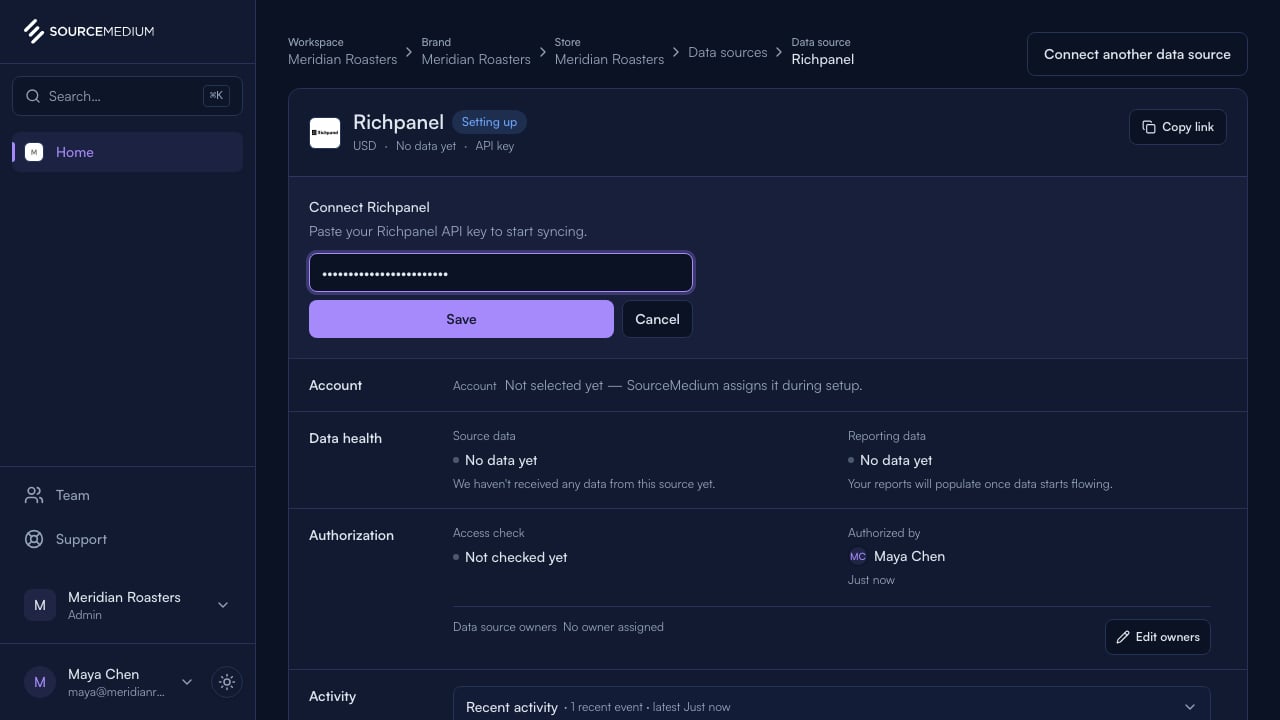
  <Step title="Paste the API key">
    Paste the key from your Richpanel account. When you save, SourceMedium validates it with Richpanel and securely stores accepted keys.
    <img className="block dark:hidden" src="https://mintcdn.com/sourcemedium/K5lUpLPqOZ8d4vZu/images/product-tours/connect-with-api-key/03-paste-the-api-key.png?fit=max&auto=format&n=K5lUpLPqOZ8d4vZu&q=85&s=aac902bddcd32385bc104bc951307df8" alt="Paste the API key" width="1280" height="720" data-path="images/product-tours/connect-with-api-key/03-paste-the-api-key.png" />

    <img className="hidden dark:block" src="https://mintcdn.com/sourcemedium/K5lUpLPqOZ8d4vZu/images/product-tours/connect-with-api-key/03-paste-the-api-key-dark.png?fit=max&auto=format&n=K5lUpLPqOZ8d4vZu&q=85&s=3d6c93b74be71ea7da8a9b00ec196d3f" alt="Paste the API key" width="1280" height="720" data-path="images/product-tours/connect-with-api-key/03-paste-the-api-key-dark.png" />
  </Step>
</Steps>

## Related

* [Richpanel integration guide](/docs/data-inputs/platform-integration-instructions/richpanel-integration)
* [Connect a data source](/docs/product-tours/connect-data-source)
* [Connection statuses](/docs/product-tours/connection-statuses)